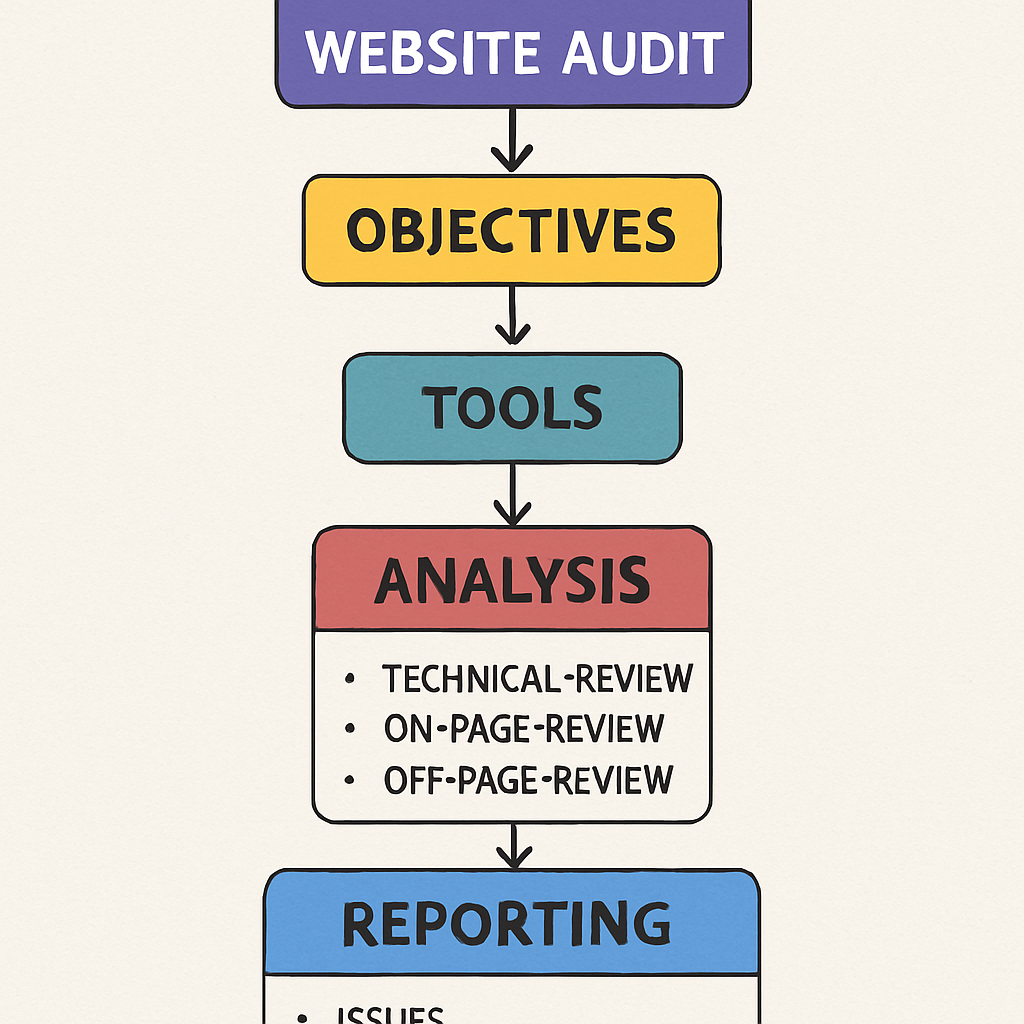
A website audit is a comprehensive examination of your site that identifies problems and areas for improvement. This process involves analyzing various aspects of your site, including its performance, SEO elements, and user experience. By conducting a site audit, you gain insights into how your website is performing and what changes are necessary to enhance its visibility and functionality.
Performance Analysis
Performance analysis is a critical component of a website audit. It involves evaluating how efficiently your site loads and operates. Key metrics include page load times, server response times, and resource optimization. Slow loading speeds can deter users and negatively impact your SEO rankings.
SEO Evaluation
SEO evaluation focuses on how well your site is optimized for search engines. This includes assessing on-page elements such as keyword usage, title tags, and meta descriptions. Proper SEO ensures that your site is easily discoverable by search engines, improving your visibility and organic traffic.
User Experience Assessment
User experience assessment looks at how users interact with your website. It considers factors such as site navigation, mobile-friendliness, and overall design. A positive user experience can lead to higher engagement rates and better conversion rates, making it a crucial aspect of a site audit.
Why Conduct a Site Audit?
Website audits are crucial for maintaining an effective online presence. They help:
Identifying Technical Issues
Technical issues can severely hinder your site’s performance. A site audit identifies issues such as broken links, server errors, and security vulnerabilities. Addressing these problems ensures that your site runs smoothly and efficiently, providing a better experience for users and search engines alike.
Improving SEO and Increasing Organic Traffic
SEO is a vital component of any successful website. By identifying areas for improvement, a site audit can enhance your site’s SEO performance, leading to increased organic traffic. This involves optimizing keywords, improving site structure, and ensuring that your site is mobile-friendly.
Enhancing User Experience
User experience is a key factor in retaining visitors and driving conversions. A site audit helps identify usability issues, such as confusing navigation or slow load times, that may be deterring users. By addressing these issues, you can create a more enjoyable and effective website experience.
Aligning with Business Goals
A site audit ensures that your website aligns with your business goals. It helps you assess whether your site supports your marketing and sales objectives. By evaluating your site’s performance and user engagement, you can make informed decisions about necessary changes to achieve your goals.
How to Do a Website Audit
Step 1: Analyze Website Performance

Page Load Time
Page load time is crucial for user satisfaction and SEO. Slow loading pages can lead to high bounce rates as users are likely to leave if a page takes too long to load. Use tools to identify bottlenecks and optimize images, scripts, and stylesheets to improve load times.
Mobile-Friendliness
With the increasing use of mobile devices, ensuring your site is mobile-friendly is essential. Test your site on various devices to ensure it is responsive and provides a seamless experience for mobile users. Mobile-friendliness is also a ranking factor for search engines.
Image Optimization
Images can significantly impact your site’s load times. Optimize images by reducing file sizes without compromising quality. Use modern formats like WebP and ensure that images are properly compressed and scaled for different devices.
Browser Caching
Implementing browser caching can drastically improve load times for returning visitors. By storing certain files locally on a user’s device, you can reduce the need for repeated downloads. This not only speeds up your site but also reduces server load.
Step 2: Evaluate On-Page SEO
On-page SEO refers to the elements on your website that you can control. Key areas to focus on include:
Title Tags
Title tags are one of the most important on-page SEO elements. They should be unique for each page and include relevant keywords. A well-crafted title tag not only helps with search engine rankings but also encourages users to click on your link in search results.
Meta Descriptions
Meta descriptions provide a summary of a page’s content. Although not a direct ranking factor, compelling meta descriptions can improve click-through rates from search engine results. Write concise and engaging descriptions that include target keywords to attract users.
Header Tags
Header tags (H1, H2, H3, etc.) help structure your content and improve readability. Use them to outline your content hierarchy and include keywords where appropriate. Proper use of header tags can enhance both user experience and SEO.
Keyword Usage
Keywords are integral to on-page SEO. Ensure that your target keywords are naturally incorporated throughout your content, including in headings, body text, and image alt tags. Avoid keyword stuffing, as it can negatively impact your rankings.
Step 3: Check Technical SEO
Technical SEO involves the backend elements that affect your site’s performance in search engines. Here’s what to check:
XML Sitemap
An XML sitemap helps search engines crawl your site more effectively. Ensure your site has an up-to-date XML sitemap and submit it to search engines. This ensures that all important pages are indexed and discoverable.
Robots.txt
The robots.txt file instructs search engines on which pages to crawl or not crawl. Verify that your robots.txt file is correctly configured to allow search engines to access important pages while blocking irrelevant or duplicate content.
Duplicate Content
Duplicate content can harm your SEO efforts. Use tools like Copyscape to identify duplicate content issues on your site. Ensure that each page offers unique value to users and that duplicate content is minimized.
Broken Links
Broken links can frustrate users and negatively impact your SEO. Regularly check for broken links using tools like Screaming Frog or Ahrefs. Fix or redirect broken links to maintain a seamless user experience and preserve link equity.
Step 4: Review Content Quality
The content on your website should be high-quality, relevant, and engaging. Check for:
Content Accuracy
Ensure that the information on your site is accurate and up-to-date. Incorrect or outdated information can erode trust and credibility with your audience. Regularly review and update your content to maintain its relevance.
Readability
Readable content is crucial for user engagement. Use tools like Hemingway Editor or Grammarly to assess readability and eliminate grammatical errors. Break up text with headings, bullet points, and images to enhance readability.
Content Uniqueness
Unique content sets your site apart from competitors. Avoid duplicate content and strive to provide unique insights and value to your audience. Original content is more likely to attract links and social shares, boosting your SEO.
Step 5: Assess User Experience (UX)
User experience plays a significant role in how visitors interact with your site. Evaluate:
Navigation
Navigation should be intuitive and easy to use. Ensure your site has a clear structure with logical menu items and pathways. Users should be able to find information quickly and easily without getting lost.
Mobile Responsiveness
With the prevalence of mobile browsing, ensuring your site is mobile-responsive is critical. Test your site on various devices to ensure it displays correctly and functions smoothly on mobile. Mobile responsiveness is also a key factor in SEO.
Design
Design impacts both user perception and engagement. Ensure your site has a clean, visually appealing design that aligns with your brand. Consistent branding and a professional appearance can enhance user trust and encourage conversions.
Step 6: Conduct a Backlink Analysis
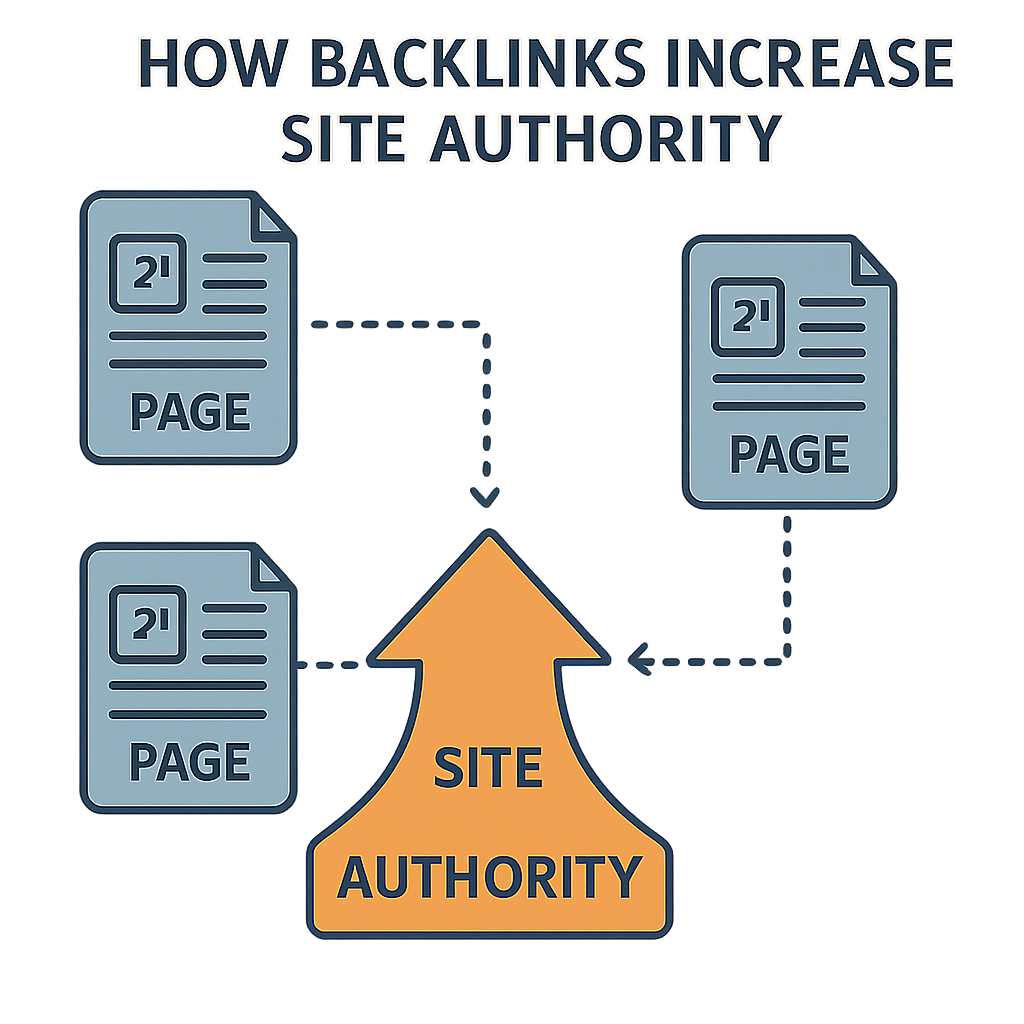
Backlinks are crucial for SEO as they signal to search engines that your site is authoritative and trustworthy. Use tools like Moz or SEMrush to:
Identify Toxic or Spammy Backlinks
Toxic or spammy backlinks can harm your SEO efforts. Regularly audit your backlink profile to identify harmful links. Use Google’s Disavow Tool to disavow links that could damage your site’s reputation.
Analyze the Quality of Your Backlinks
Not all backlinks are created equal. Focus on building high-quality backlinks from reputable sources. Analyze the authority and relevance of linking domains to ensure your backlink profile is strong and beneficial.
Monitor New and Lost Backlinks
Backlink profiles are dynamic and can change over time. Regularly monitor new and lost backlinks to understand trends and opportunities. This helps you maintain a healthy backlink profile and identify potential issues early.
Step 7: Monitor Site Security

Site security is vital for protecting user data and maintaining trust. Ensure:
HTTPS Usage
HTTPS encrypts data between your site and users, enhancing security. Ensure that your site uses HTTPS to protect sensitive information and improve SEO, as search engines favor secure sites.
Security Plugins or Services
Implement security plugins or services to protect your site from malware and attacks. Regularly update these tools to ensure your site remains secure against new threats. A secure site builds user trust and protects your reputation.
Regular Backups
Regular backups are essential for data protection. Schedule automatic backups to prevent data loss in the event of a security breach or technical failure. This ensures that you can quickly restore your site if needed.
What to Look for in an SEO Site Audit
An SEO site audit focuses specifically on factors that affect your site’s ranking on search engines. Key elements include:
Keyword Optimization
Ensure you’re targeting the right keywords and using them effectively. Analyze keyword performance and make adjustments to your strategy as needed. Proper keyword optimization can significantly impact your search rankings.
Mobile Optimization
Search engines prioritize mobile-friendly sites, making mobile optimization essential. Ensure your site is fully responsive and functions seamlessly on mobile devices. Mobile optimization improves user experience and boosts SEO.
Site Architecture
A well-structured site is easier for search engines to crawl and index. Evaluate your site’s architecture to ensure it is logical and organized. Clear site architecture enhances both user experience and SEO.
Speed Optimization
Faster sites rank better and provide a better user experience. Regularly assess your site’s speed and implement improvements to reduce load times. Speed optimization is a critical factor in both user satisfaction and SEO.
Tools for Conducting a Comprehensive SEO Audit
Several tools can help you conduct a thorough SEO audit:
Google Analytics
Google Analytics provides insights into traffic, user behavior, and more. Use it to track user engagement, identify popular pages, and understand how visitors interact with your site. This data is invaluable for making informed decisions.
Google Search Console
Google Search Console helps you monitor your site’s presence in Google search results. Use it to identify indexing issues, monitor search performance, and submit sitemaps. It provides essential data for optimizing your site’s SEO.
Ahrefs
Ahrefs offers extensive data on backlinks, keywords, and site audits. Use it to analyze your backlink profile, track keyword rankings, and identify SEO issues. Ahrefs is a powerful tool for enhancing your site’s SEO strategy.
Screaming Frog
Screaming Frog is a powerful tool for finding technical SEO issues. Use it to crawl your site and identify problems such as broken links, duplicate content, and server errors. It provides comprehensive data for improving site performance.
Conclusion
Conducting a site audit is a critical step in maintaining a healthy website. By regularly auditing your site, you can identify issues that may be affecting your SEO performance and user experience. With this guide, you now know how to do a site audit, what to look for, and how to make the necessary improvements to boost your website’s performance and achieve your business goals.
Regular audits ensure that your site remains optimized for both users and search engines, leading to higher rankings, increased traffic, and better overall performance. So, take the first step today and start your site audit to pave the way for a more successful online presence.
About the Author