
Introduction
Imagine you’re running a massive e-commerce store with thousands of products. You’ve invested heavily in marketing, but your traffic seems stuck. Your rankings are stagnant, and you’re not sure why. The silent culprit could be duplicate content.
What is Duplicate Content in E-commerce?
Duplicate content, in the context of e-commerce, refers to identical or very similar content that appears on multiple URLs. It’s an endemic problem for online stores due to their inherent structure. Think about a T-shirt that comes in five different colors—each color variation might have its own URL, even though the core product description is the same.
Why It’s a Silent SEO Killer (And Hurts Conversions Too)
Duplicate content isn’t just a technical nuisance; it’s a silent SEO killer. Search engines like Google want to show the most relevant, unique content to users. When they find the same or similar content on multiple pages, they get confused. This leads to:
- Wasted Crawl Budget: Googlebot spends time crawling duplicate pages instead of your most important ones.
- Cannibalization: Your own pages compete against each other for the same keywords, diluting your ranking potential.
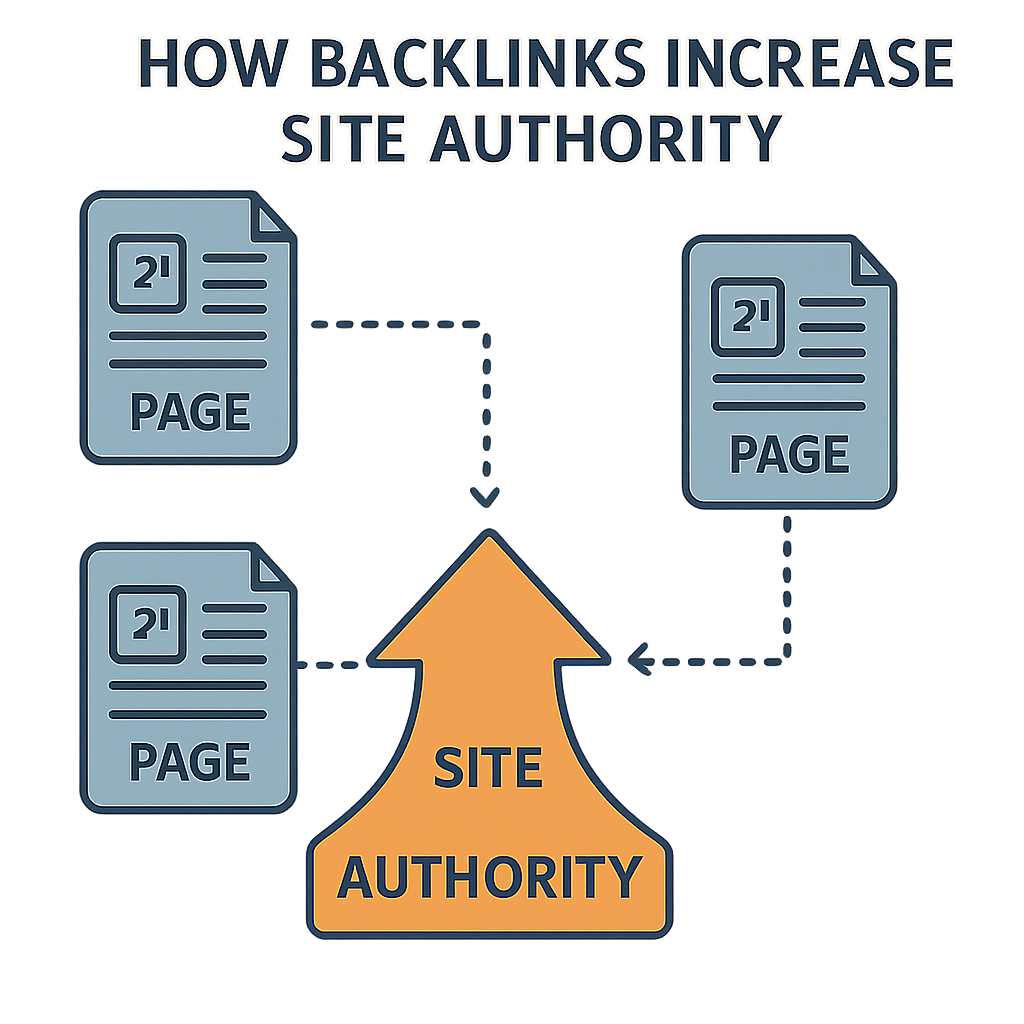
- Poor Page Authority: Link equity gets split between multiple URLs, preventing any single page from gaining significant authority.
Beyond SEO, it can also hurt user experience. Shoppers might land on a page with a different URL for every minor variation, leading to a clunky and confusing journey.
1. Understanding the Root Causes of Duplicate Content
Before you can solve the problem, you need to understand where it comes from. Here are the most common sources in e-commerce:
- Product Variations (Size, Color, etc.): This is the number one culprit. A single product might have a unique URL for each size, color, or material. For example: yourstore.com/product/tshirt-blue and yourstore.com/product/tshirt-red.
- Faceted Navigation & URL Parameters: Filters on category pages (e.g., sort by price, filter by brand) create new URLs for every combination: yourstore.com/category?color=blue&brand=xyz.
- Session IDs and Tracking Codes: URLs with appended tracking parameters like yourstore.com/product?sessionid=12345 can create new, duplicate pages in Google’s eyes.
- Boilerplate Content on Category Pages: Many e-commerce sites use a standard block of text on all category pages, leading to content that is largely identical.
- Scraped or Manufacturer Descriptions: Using the manufacturer’s provided product description is a common practice, but if hundreds of other stores do the same, your content isn’t unique.
2. How Duplicate Content Impacts SEO & User Experience
The fallout from duplicate content is far-reaching:
- Cannibalization of Rankings: If you have two pages optimized for the same keyword, Google might not know which one to rank, so it ranks neither effectively.
- Crawl Budget Wastage: Search engines have a limited crawl budget for your site. Spending this budget on duplicate pages means your new, important content might not get indexed quickly.
- Poor Page Authority Distribution: Instead of concentrating link equity on a single, authoritative page, duplicate content splits this authority across multiple URLs.
- Confusing Shopping Experience: Users can get lost in a sea of similar pages, leading to frustration and higher bounce rates.
3. Scalable Solutions: The Technical SEO Checklist
Tackling duplicate content at scale requires a systematic approach. This checklist provides actionable, step-by-step solutions.
A. Use Canonical Tags Strategically
The rel=”canonical” tag is your most powerful tool. It tells search engines which URL is the “master” version of a page.
- How to implement: Place <link rel=”canonical” href=”[canonical-URL-here]” /> in the <head> section of all duplicate pages, pointing to the original.
- Canonical vs. Noindex:
- Canonical: Use when you want a page to exist for users (e.g., a faceted navigation page) but want to consolidate its ranking power to a master URL.
- Noindex: Use when you don’t want the page to be in the search index at all. This is for truly low-value pages that you don’t need users to find from search.
B. Implement Parameter Handling in Google Search Console
Google Search Console (GSC) allows you to tell Google how to handle URL parameters. This is crucial for faceted navigation.
- How to use it: Navigate to GSC, go to “Settings” > “Crawl Stats” (or the older “URL Parameters” tool if available). Here, you can specify if a parameter “changes the content” or if it should be “ignored.” For example, you can tell Google to ignore the sort_by parameter.
C. Leverage Robots.txt to Block Low-value Pages
For truly non-essential, low-value pages, you can use robots.txt to prevent crawlers from accessing them.
- Which URLs to Disallow: Think of URLs that are purely for internal functionality, such as internal search results pages, login pages, or user profile pages.
- Example: Disallow: /*?sessionid=
D. Create Unique Product Descriptions at Scale
Writing unique descriptions for thousands of products can seem impossible. Here are some strategies:
- Use Content Templates: Create a template with dynamic fields. For example, “The [product name] is perfect for [use case]. It features [key material] and is available in [available colors].” Your backend can populate these fields automatically.
- Crowdsource or Outsource: Hire writers to create unique descriptions in batches.
- Integrate User-Generated Content (UGC): Pull in customer reviews to make product pages unique.
E. Use Hreflang for International Stores
If you have different versions of your site for different countries (e.g., store.co.uk and store.com), hreflang tags tell Google which version to serve to which user. This prevents them from being seen as duplicates.
- How to implement: Use tags like <link rel=”alternate” href=”http://example.com/en-gb” hreflang=”en-gb” /> in the head of each page.
F. Manage Pagination Properly
While rel=”next” and rel=”prev” tags are no longer used by Google, managing pagination is still important.
- Best Practice: Use a canonical tag on all paginated pages to point back to the main category page. For example, yourstore.com/category?p=2 should have a canonical tag pointing to yourstore.com/category.
G. Combine or Consolidate Thin Categories
If you have categories with only one or two products, consider merging them into a broader, more substantial category.
- How to do it: Use 301 redirects to point the old, thin category URL to the new, consolidated one.
4. Automation & Tools for Duplicate Content Detection
Finding duplicate content manually is a fool’s errand. Use these tools to automate the process:
- Screaming Frog: A desktop crawler that can identify duplicate titles, meta descriptions, and pages with canonical tag issues.
- Sitebulb: A powerful crawler that visualizes your site architecture and provides detailed insights into duplicate content problems.
- Ahrefs / SEMrush: These tools can help you find pages competing for the same keywords and identify external sites scraping your content.
- Google Search Console Reports: The “Coverage” report can highlight pages that are “Crawled – currently not indexed” or have canonicalization issues.
5. Pro Tips for E-commerce Content Uniqueness
Beyond the technical, here’s how to make your content truly unique:
- Add Customer Reviews, FAQs & UGC: This content is unique to your site and constantly updates, signaling to search engines that your pages are fresh and valuable.
- Optimize Title & Meta Descriptions per SKU: Even with similar products, ensure each SKU has a unique, descriptive title and meta description.
- Build Content Templates with Dynamic Elements: As mentioned earlier, templates can help you generate unique, readable content at scale.
6. Common Mistakes to Avoid
- Blanket Noindexing: Don’t noindex entire sections of your site without a clear strategy. You might hide valuable pages from search engines.
- Relying Only on Canonicals Without Fixing the Root Issue: Canonicals are a directive, not a magic wand. If you don’t fix the underlying problems (e.g., poor URL structure), you might still be wasting crawl budget.
- Ignoring Mobile/AMP Versions: Ensure your canonical and hreflang tags are correctly implemented on all versions of your site to avoid duplicate content between them.
7. How to Monitor & Maintain Content Hygiene Over Time
- Set Up Alerts in GSC: Configure alerts to notify you of crawl errors or spikes in “Duplicate, submitted canonical not selected” pages.
- Weekly Crawl Checks: Run a quick crawl with a tool like Screaming Frog every week to catch new duplicate content issues before they escalate.
- Keep an Audit Sheet for Scaled SKUs: Maintain a simple spreadsheet to track which products have unique content, templates, and canonical tags, especially as you add new products.
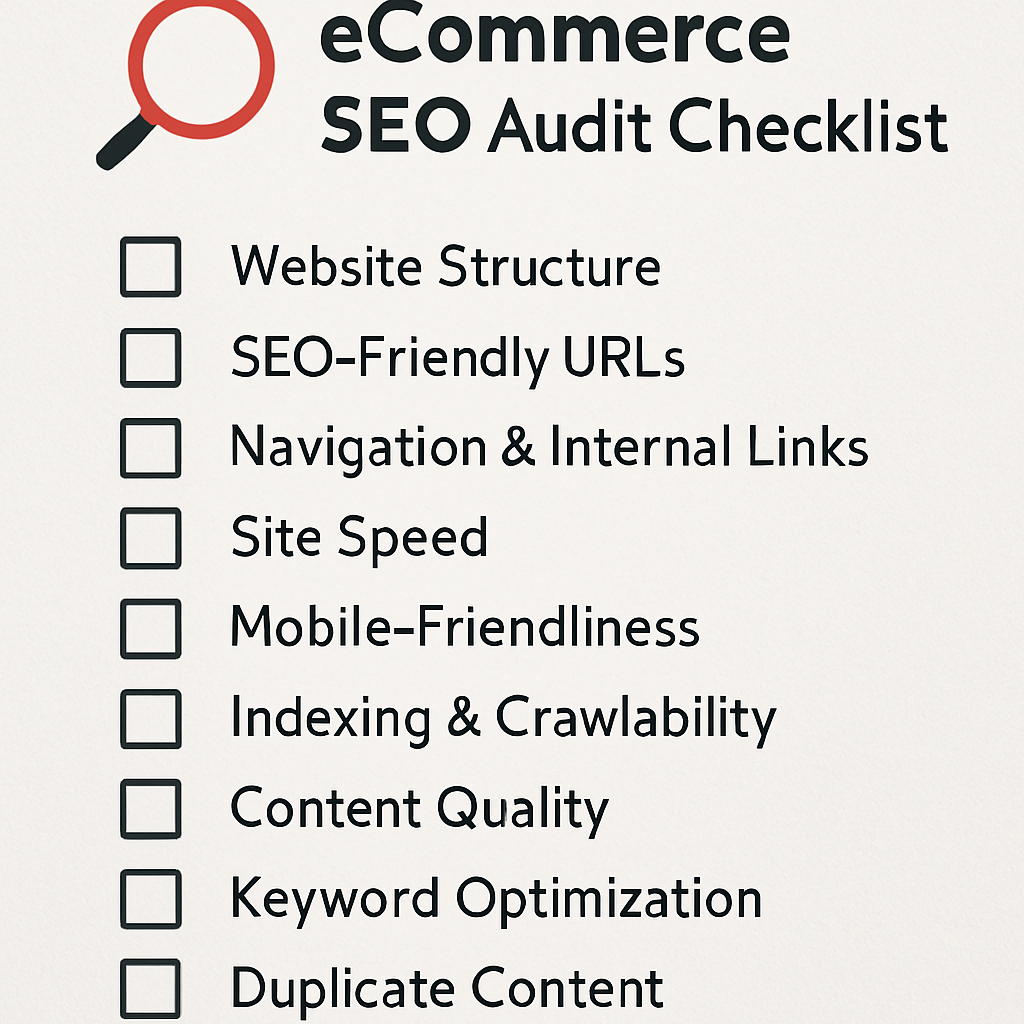
8. Quick Technical SEO Checklist for E-commerce Duplicate Content

Conclusion
Cleaning up duplicate content is more than just a technical chore; it’s a fundamental growth strategy. By focusing on crawl efficiency and content uniqueness, you can unlock your site’s full SEO potential. A clean site architecture and unique, valuable content will not only please search engines but also create a better, more authoritative shopping experience for your customers.
Also read: Essential Elements of Effective SEO Reporting
FAQs
Q: Is duplicate content a Google penalty?
A: No, Google does not penalize sites for duplicate content. However, it can negatively impact your rankings and crawl budget, which feels like a penalty.
Q: Should I noindex my faceted navigation pages?
A: Generally, no. A better approach is to use a canonical tag pointing back to the main category page. This consolidates link equity while still allowing users to navigate your site.
Q: What if another site scrapes my product descriptions?
A: If your content is the original, and you have a strong canonical tag on your page, search engines will likely identify your page as the original source. You can also file a DMCA takedown notice if the scraper is a persistent problem.
Q: Can a single canonical tag solve all my duplicate content problems?
A: No. Canonical tags are a powerful tool, but they are a signal, not an absolute command. For a truly scalable solution, you must address the root causes of duplicate content in your site architecture.
Q: Is it okay to use the same product description for products that are very similar (e.g., the same t-shirt in two different colors)?
A: It’s a common practice but not an ideal one for SEO. While Google might understand the intent, it’s a lost opportunity to create a unique, optimized page for each product. At a minimum, ensure the product title, meta description, and H1 tag are unique for each SKU.
About the Author